
Blog

How to Choose a 3D Skin Scanner in 2026

Choosing a 3D Skin Scanner in 2026 is less about chasing the sharpest image and more about buying dependable evidence. McKinsey’s 2024 wellness research valued the global wellness market at $1.8 trillion. Meanwhile, the International Society of Aesthetic Plastic Surgery reported 34.9 million surgical and nonsurgical aesthetic procedures worldwide in 2023. These figures point to growing demand for personalized services, but they do not prove that any particular scanner improves results.

For clinics, spas, and research teams, a useful scanner should capture consistent images under repeatable conditions. Look closely at lighting control, capture time, facial positioning, measurement repeatability, and how clearly the system displays changes over time. A glowing skin map can look convincing. It is not, by itself, a diagnosis. Ask vendors for validation methods, sample reports, and demonstrations using real workflows—not only polished marketing images.

Then examine the practical details: staff training, software updates, data export, service support, and the total cost of ownership. Can the device fit into a busy appointment without creating a queue? Can clients understand what the images show? These questions matter as much as resolution. No scanner is perfect; even careful measurements can be affected by lighting, expression, or inconsistent positioning. That part is easy to overlook. This guide explains how to compare 3D Skin Scanner options in 2026, assess the evidence behind their features, and choose a system that suits your team, budget, and intended use.
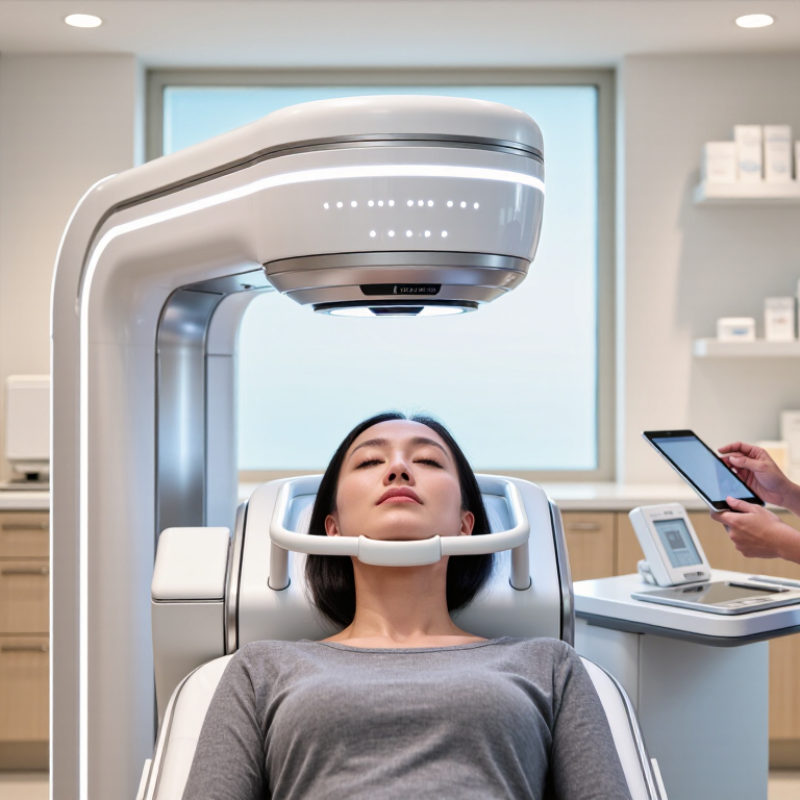
How to Choose a 3D Skin Scanner in 2026

Define the Clinical or Commercial Purpose of the Scanner

Choose a scanner by the decision it must support, not by the number of images it captures. In a clinical setting, define whether the system will document surface changes, quantify texture, or track treatment response. IARC’s Global Cancer Observatory estimated 330,000 new melanoma cases and 58,700 deaths worldwide in 2022. These figures describe disease burden, not scanner accuracy. A 3D skin scanner should support assessment, not replace clinical judgment or validated diagnostic tools. Ask for evidence on measurement repeatability, calibration, and performance across different skin tones.

For commercial use, the goal may be showing clients changes in pore visibility, redness, or facial contours over time. Consistent lighting, camera distance, and positioning matter; otherwise, a “before and after” comparison can be misleading. Check whether staff can repeat the same capture protocol, export usable records, and explain privacy practices clearly. A polished image is not proof of a reliable measurement. I would also test the workflow during a busy appointment, because small setup delays can add up.

Tips: Define one primary use first. Request repeatability data, then test scans under everyday conditions. If the vendor cannot explain how measurements were validated, pause and ask for documentation.

Compare 3D Imaging Methods and Measurement Capabilities

How to Choose a 3D Skin Scanner in 2026

Compare 3D Imaging Methods and Measurement Capabilities

A useful scanner must capture more than a polished facial image. Structured-light systems project patterns onto skin and calculate surface depth; stereo systems infer shape from paired camera views. Photogrammetry can cover larger areas, but motion and changing light may distort results. Cross-polarized or multispectral images add color information, such as visible redness and pigmentation. These are imaging signals, not diagnoses. Look for separate, clearly described outputs.

Check what the device measures and how consistently it repeats those measurements. Ask for test data on depth accuracy, repeatability, capture time, and performance across skin tones. Then test the same cheek twice, under fixed lighting, with the subject repositioned. Do pores or fine lines shift? That matters.

The 2023 ISAPS Global Survey reported 34.9 million surgical and nonsurgical aesthetic procedures worldwide, a 3.4% rise from 2022. This is a demand signal, not proof that any scanner improves care.

For context, compare the survey’s procedure growth with your own clinic’s need for dependable follow-up images. I would still treat a single scan cautiously: facial expression, hydration, and room light can change the picture. Choose transparent calibration and exportable measurements over dramatic color maps.

Evaluate Accuracy, Repeatability, and Validation Evidence

How to Choose a 3D Skin Scanner in 2026

Accuracy is not the same as a convincing image. Ask for results against a traceable reference surface, including measurement error across flat and curved areas. ISO 20685-1:2018 describes performance evaluation for 3D body-scanning systems; it is a useful metrology reference, though not a skin-specific clinical standard. Check whether the vendor’s test conditions match your clinic or lab. A scanner tested under fixed lighting may behave differently beside a bright window.

Repeatability matters. Scan the same person ten times, removing and repositioning them between scans. Compare measurements for pores, wrinkles, or pigmentation across sessions—not just the overall face shape. NIST Technical Note 1297 explains that expanded uncertainty is often reported with a coverage factor of k=2, corresponding to roughly 95% coverage when its assumptions apply. Ask for uncertainty intervals, not only an average error. Small differences can disappear inside measurement noise. That is easy to miss.

Validation evidence should identify the population, operators, software version, and tested skin features. Request raw comparison data, failure rates, and repeatability statistics such as within-subject variation. Published results from another device or population do not automatically validate your workflow. A practical detail: capture a reference scan after device warm-up, then repeat after a software update. Keep the protocol consistent. Real-world evidence is rarely perfect; gaps in the data deserve questions, not assumptions.

Check Workflow Fit, Data Security, and System Compatibility

A 3D skin scanner should fit the appointment, not just look impressive in a demonstration. Watch a full session, from patient positioning to saved images. Does the operator need to repeat scans when a patient turns slightly? How long does image processing take on the clinic’s actual workstation? Small details count. A device that adds several minutes to every visit may disrupt the schedule, even if its images look sharp.

Check how the system handles sensitive images and account access. Ask whether data is encrypted during transfer and storage, who can view or export scans, and how deletion and backups work. Test it live. Confirm the written security documentation matches the settings you can inspect. A polished answer is not enough. One awkward point: tighter access controls can slow staff down, so test them during a realistic shift rather than ignoring them.

Compatibility deserves the same practical check. Confirm supported image formats, operating systems, storage needs, and whether existing clinical software can import scans without manual re-entry. Ask what happens after a software update or network outage. Bring a sample workflow and test it with real staff, not only technical representatives. I would not assume that “compatible” means seamless; file conversion or extra clicks can still create errors. Record these friction points before comparing image quality or purchase cost.

Compare Total Cost, Support, and Long-Term Upgrade Options

A 3D skin scanner’s purchase price is only one part of its cost. Include software fees, staff training, calibration, maintenance, and any required computer upgrades. Ask for a written estimate covering at least three years. Small recurring charges can change the comparison.

Support matters when the scanner fails before a busy clinic day. Ask how quickly technical staff respond, whether help is remote or on-site, and what training new employees receive. Request details about warranty coverage and repair timelines. A polished demonstration is useful, but it cannot show how support works during a real delay. Ask for a customer reference, if available.

Check what can be upgraded later. Can the software add features without replacing the scanner? Are updates included, and will older scans remain accessible? Confirm that your existing workflow can handle the files. During a demonstration, test a typical scan and review its export steps. It is not a perfect test. I would also ask what the system cannot measure well; that answer may be less tidy, but more useful. Compare the written costs, support terms, and upgrade conditions side by side before deciding.

How to Choose a 3D Skin Scanner in 2026 — Compare Total Cost, Support, and Long-Term Upgrade Options

Comparison factor Portable 3D scanner Clinic desktop system Fixed imaging booth
Best suited to Mobile practitioners, small studios, and occasional scans Clinics needing repeatable facial imaging in a dedicated room High-throughput clinics and multi-operator workflows
Indicative initial budget (USD) About $3,000–$12,000 About $10,000–$35,000 About $25,000–$70,000+
What the initial price may include Scanner, basic capture software, and limited accessories; check whether analysis tools are extra Camera or scanner, workstation, capture software, and a standard setup Enclosure or controlled-light setup, imaging hardware, workstation, and installation options
Potential ongoing costs Software subscription, device replacement, calibration, and staff training Software or cloud fees, service coverage, calibration, and workstation maintenance Service contract, software fees, calibration, lighting or component replacement, and space-related costs
Capture consistency More dependent on operator positioning, distance, and lighting Generally more repeatable with fixed positioning and guided capture Typically the most controlled setup; confirm repeatability with a live demonstration
Typical workflow capacity Low to moderate; capture time and operator handling can limit throughput Moderate; appropriate for scheduled consultations and follow-ups Moderate to high when room layout and appointment flow support frequent scanning
Support to verify before purchase Remote setup help, response times, repair process, and loaner-device availability Installation, staff onboarding, software updates, service response times, and warranty exclusions Installation and room requirements, on-site service availability, uptime commitments, and replacement-part lead times
Upgrade potential May be limited by sensor capability; check compatibility with newer software and accessories Often depends on modular hardware, computer specifications, and the software upgrade plan Ask whether cameras, lighting, workstation, and analysis modules can be upgraded separately
Data and integration checks Confirm export formats, local storage options, and transfer to practice records Confirm image export, user permissions, backup, and compatibility with existing clinic workflows Confirm multi-user access, storage limits, data portability, and integration costs
Main trade-off Lower entry cost and portability, with greater dependence on operator technique Balanced workflow and repeatability, with room and subscription requirements to assess More controlled capture and capacity, but higher purchase, installation, and service costs

Budget ranges are broad planning estimates in USD, not vendor quotations; actual prices vary by configuration, region, software, service coverage, and contract terms. Request a written three- to five-year total-cost estimate and confirm upgrade, data-export, warranty, and support terms before purchase.

Botanical Extracts Manufacturing | Manfacture botanical extracts for supplements.